
Budget Categories: 3 Rules for Choosing Them and 10 to Start With
Updated
Choose your categories by working backward from what you want to learn later. We also cover the expenses that are easy to get stuck on.
When you start tracking your spending, the first thing that trips most people up is setting up budget categories. Make them too detailed and you won't keep up with entering everything; make them too broad and looking back tells you nothing. Here's how to find the line that works.
3 rules for choosing budget categories
When you can't decide whether something deserves its own category, run it through these three questions in order. If even one applies, it's worth splitting out.
- 1Is the amount significant? Anything that moves $50 or more a month is easier to keep an eye on when it has its own line.
- 2Can you actually change it? Rent is hard to move; dining out is not. Separating the spending you can adjust is far more useful.
- 3Do you want to cut it? If a type of spending bothers you, giving it its own category lets you track it in numbers.
On the other hand, things that cost only a few dollars a month, things you have no control over, and things you don't really care about can all go into "Other." If splitting something out won't change what you do, it isn't worth the extra effort to enter it.
10 categories to start with
If this is your first budget, starting with these categories keeps things manageable.
| Category | What goes in it | Type |
|---|---|---|
| Groceries | Food from supermarkets and convenience stores | Variable |
| Dining out | Restaurants, cafes, takeout, delivery | Variable |
| Household supplies | Detergent, paper towels, cleaning products | Variable |
| Housing | Rent, mortgage, HOA fees | Fixed |
| Utilities | Electricity, gas, water | Semi-fixed |
| Phone and internet | Phone plan, home internet, subscriptions | Fixed |
| Transportation | Gas, transit fares, parking | Variable |
| Health | Doctor visits, medicine, gym | Variable |
| Fun and social | Travel, books, nights out, gifts | Variable |
| Other | Anything that doesn't fit above | — |
Groceries and dining out are separate on purpose. Lump them together and you lose the clue you need to improve: spending too much at the store and spending too much at restaurants call for completely different fixes.
Keep fixed vs. variable expenses in mind
There's a reason the table includes a "Type" column. When you want to lighten your monthly costs, fixed expenses are where the bigger wins are.
Cutting a variable expense takes the same effort again next month. But if you switch to a cheaper phone plan or cancel a subscription you no longer use, the savings keep coming every month without you lifting a finger. Saving $10 a month can take very different amounts of effort depending on where it comes from.
If you think about "is this fixed or variable?" while setting up your categories, it becomes obvious where to start when you review your spending later.
How to handle tricky expenses
Mixed convenience store purchases
If you buy a sandwich and a bottle of shampoo in one trip, should you split the receipt? While the amounts are small, just file it under whichever item was the main purchase. Splitting every receipt precisely rarely reveals enough to be worth the effort. That said, if what you really want to know is how much you spend at convenience stores, tracking by store is another option.
Bulk buys
If one month includes a big warehouse-club haul, your grocery line spikes and month-to-month comparisons get harder. Putting purchases like this into a separate bucket, such as "Irregular expenses," makes your everyday spending patterns easier to see.
Credit card payments
If you record your credit card payment as a single "credit card" expense, you can't see what the money went to. The basic rule is to record each purchase when you make it, under the category it belongs to. The card payment itself is then either recorded as a transfer between accounts or not recorded at all.
Record spending either when it happens (the purchase date) or when it's paid (the card payment date), and stick to one method. If you mix the two, you'll lose track of how much you really spent in a given month.
It's fine to change your categories later
You don't need perfect categories from day one. After about three months of use, you'll notice things like "I never used this one" or "I want more detail here." Adjusting then is plenty.
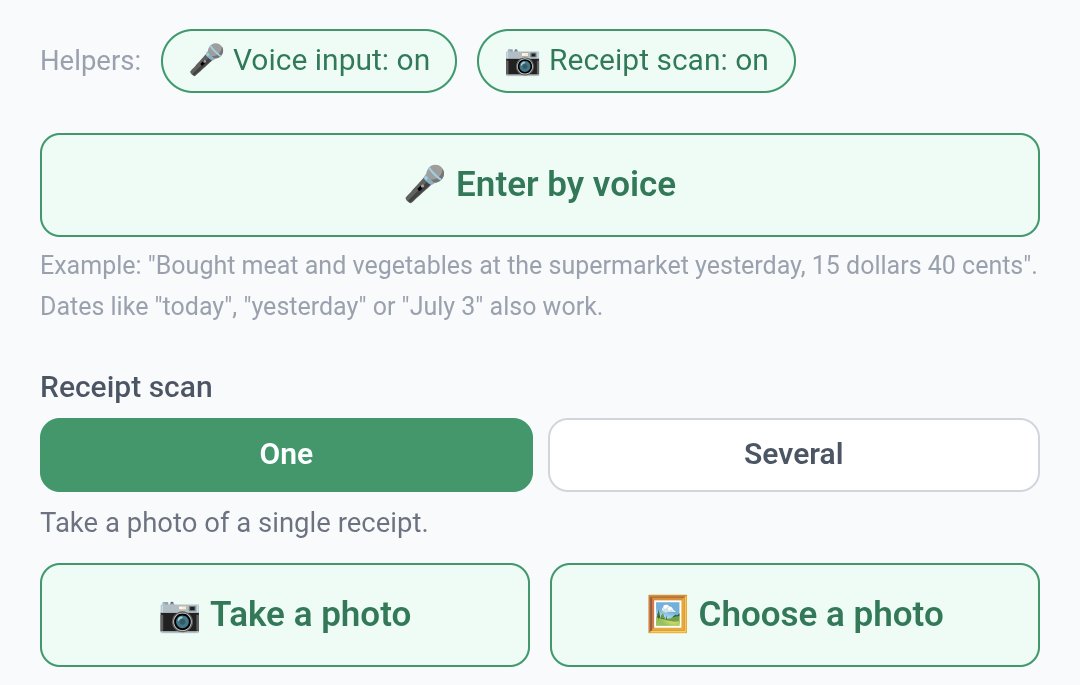
In Moneypet, you can add and reorder categories freely, or have them sorted automatically by how often you use them. On the quick entry screen, logging an expense takes a single tap, and when you use voice entry or scan a receipt, the category is usually picked for you.
What matters most is never having to stop and wonder "which category does this go in?" every time you log something. The longer you hesitate, the harder it is to keep a budget going.
Moneypet is a budgeting app where logging your spending earns food for your pet. Send your pet traveling and hatch insects from eggs, so you actually want to open it every day. Free to start.